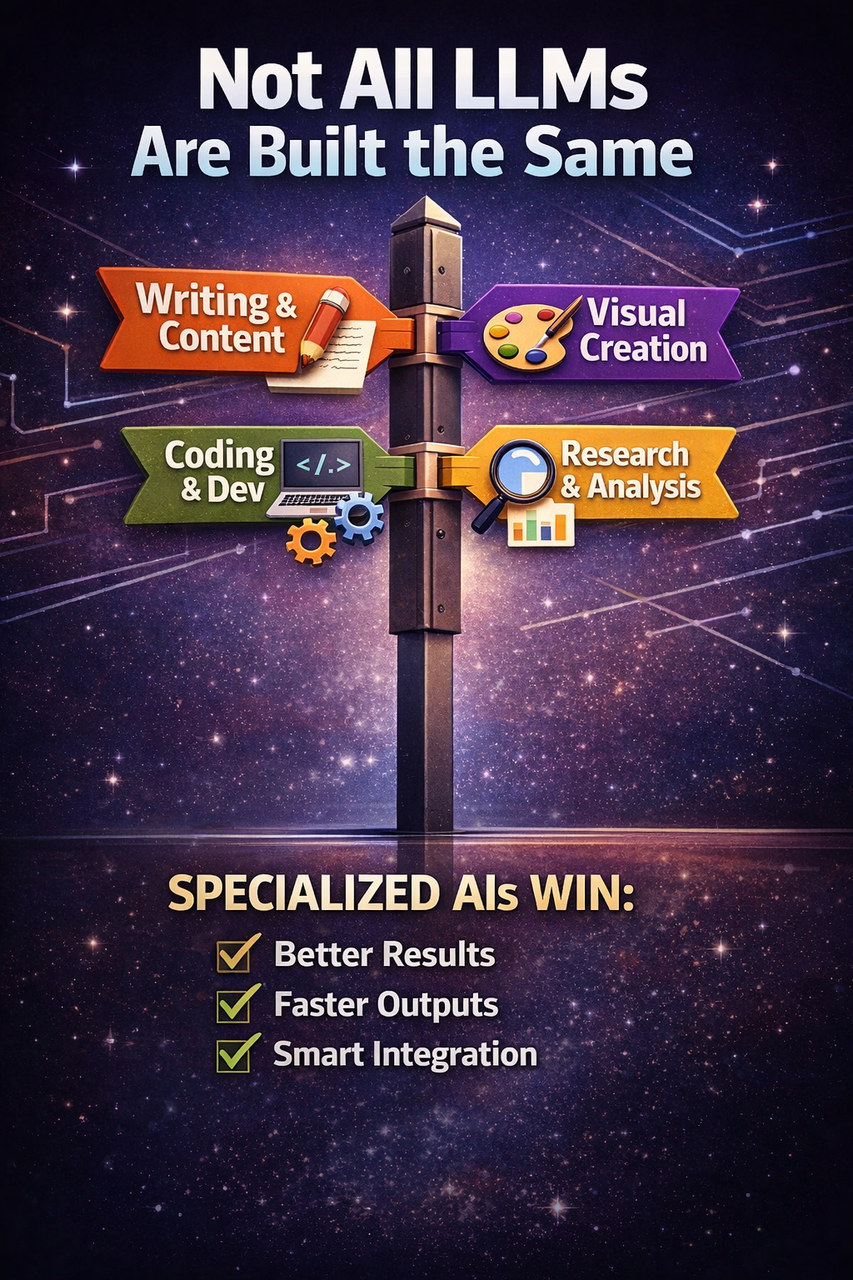
Large language models have exploded into everyday workflows, from writing blog posts and scripts to generating images, assisting with coding, summarizing research, and automating tedious tasks. But not all LLMs are created equal. Some are optimized for language, others for multimodal creativity, and some for technical precision.
This guide breaks down which LLMs are best suited to various activities, and helps you choose the right tool for the job.
Writing and Content Creation
Best for: Blog posts, articles, books, newsletters, and social copy.
Top picks
- OpenAI's ChatGPT. Rich vocabulary, coherent long-form structure, and strong tone control. Great with prompts like "write in a conversational style for beginners" or "create an outline with subheads."
- Anthropic's Claude. Strength in safety and clarity, especially good for sensitive or compliance-oriented topics.
- Jasper AI. Tailored for marketers, with optimized templates for ads, blog posts, emails, and SEO.
Tips for better output
- Start with an outline prompt.
- Set a voice and style brief, for example casual, professional, or academic.
- Ask for revisions, for example "rewrite this shorter and more engaging."
Visual Content and Design
Best for: Graphics, illustrations, concept art, and branding assets.
Top picks
- OpenAI image generation, via ChatGPT. High-quality, detailed image generation with strong control over prompts.
- Midjourney. Excellent artistic and stylized imagery, especially for concept art, mood boards, and creative visuals.
- Adobe Firefly. Works well within the Adobe ecosystem, including Photoshop and Illustrator, and supports professional workflows.
Prompting tip: use descriptive visuals plus style references, for example "in the style of watercolor with a minimalist aesthetic."
Coding and Development
Best for: Writing code, debugging, and explaining algorithms.
Top picks
- GitHub Copilot. Deeply integrated into IDEs like VS Code, excellent for autocomplete, suggestions, and tests.
- OpenAI's ChatGPT with a code focus. Strong at multi-language tasks and deep explanations.
- Google Gemini. Built-in web access means up-to-date coding examples and library references.
Pro tip: ask for unit tests automatically when writing new functions.
Research, Analysis, and Summarization
Best for: Academic research help, summary reports, and data interpretation.
Top picks
- Perplexity AI. Combines LLM answers with web citations, great for research that needs sources.
- Elicit. An AI research assistant that searches papers and extracts insights.
- ChatGPT with browsing. Useful for comprehensive summaries, explanations, and synthesis.
How to use it effectively
- Ask for bullet-point summaries.
- Request key takeaways with sources.
- Give it a long text and ask for multi-level summaries: paragraph, sentence, and one sentence.
Automation and Scripting
Best for: Workflow automation, task generation, and productivity tools.
Top picks
- Zapier AI. Connects apps and automates workflows based on AI instructions.
- Make, formerly Integromat, with AI modules. Conditional logic plus AI means smart automation.
- ChatGPT with custom actions and plugins. Can trigger workflows, send emails, create calendar events, and more.
Example use cases
- "When a new lead comes in, summarize and DM the team."
- "Generate weekly reports and send them to Slack."
Data Analysis and Spreadsheets
Best for: Parsing large data sets, generating formulas, and analysis.
Top picks
- ChatGPT with data analysis. Can interpret data, generate charts, and write formulas.
- Google Sheets AI tools. Built-in AI makes formulas and insights easier for spreadsheet users.
- Microsoft Excel with Copilot. Enterprise-grade data handling with AI assistance.
How to prompt
- "Find trends in this dataset."
- "Which columns most correlate to outcome X?"
- "Generate a formula to calculate Y."
Conversational Assistants and Customer Support
Best for: Chatbots, customer support automation, and internal help desks.
Top picks
- OpenAI and Azure OpenAI bots. Highly customizable with good fallback logic.
- Anthropic's Claude. Very safe, with less risk of hallucinations or inappropriate responses.
- Dialogflow, on Google Cloud. Highly structured for UI, UX, and voice models.
Best practice
- Use intents plus examples.
- Add fallback logic for "I am not sure" responses.
- Train custom knowledge bases.
Final Thoughts
Most LLMs are good generalists, but some truly excel in specific domains. Choose based on:
- Your task: writing, visuals, code, research, or automation.
- Output style: professional, creative, or technical.
- Ecosystem fit: Adobe, IDE, spreadsheets, or chatbots.
And do not forget, prompts matter. The better your instructions, the better the AI performs. If you want to know which of these models actually recommend your brand, and which ignore it, start with a free ARDI™ visibility check.
Related ARDI™ research: The Intelligence Index.